
Give School & Community Devices
a Second Life.
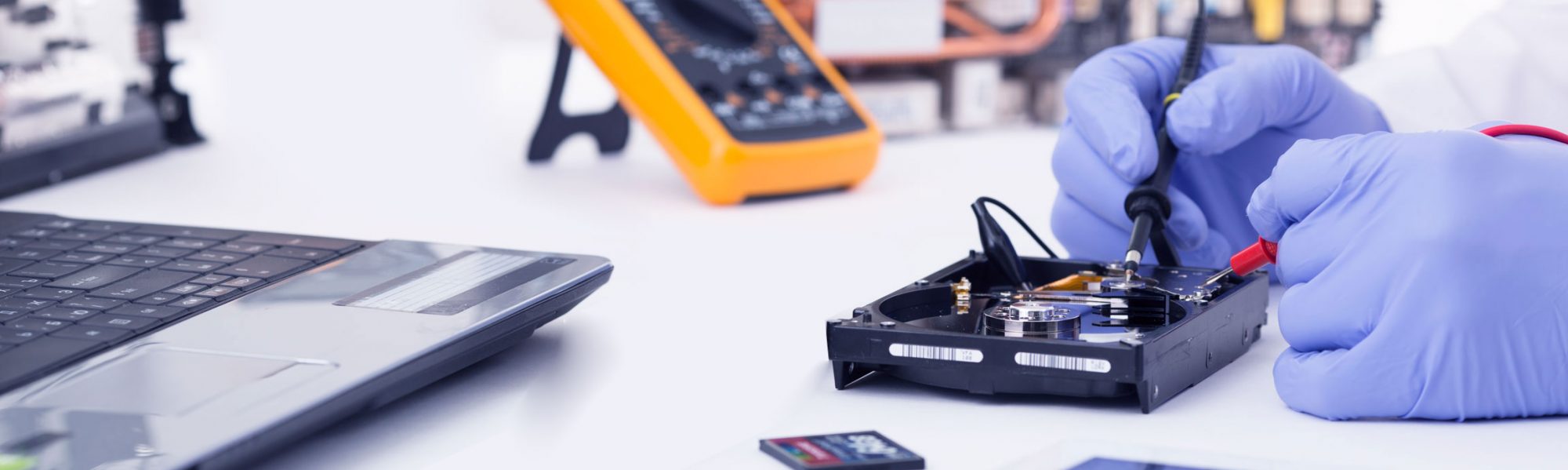
Helping Rotorua schools, trusts, charities, and community organisations assess, refurbish, and safely reuse suitable laptops, desktops, iMacs, and selected Chromebooks.
Good Hardware Should Not Go to Waste
Many devices are still physically reliable, but become difficult to use because the operating system is too heavy, unsupported, or expensive to maintain. Before replacing them, Talktechnow can check whether they are suitable for a practical second life.
Which Devices Can Be Revived?
Not every device is suitable. That is why we start with an assessment and provide honest advice before recommending any conversion or upgrade.
Windows Laptops & Desktops
Best for: daily learning and office use
Many Windows 10-era devices are still useful but struggle with modern Windows requirements. A Clean Engine build can often restore speed for browser, documents, email, and general school or office tasks.
Older iMacs & MacBooks
Best for: libraries, learning rooms and admin workstations
Older Apple hardware often has strong screens, cameras, sound, and build quality. Where compatible, Linux can return these machines to productive use after official OS support has become impractical.
Selected Chromebooks
Best for: assessment first
Some Chromebook models may be suitable for refurbishment or conversion. Others may have firmware, storage, keyboard, or management restrictions. We check first and only recommend practical options.
Trust & Community Devices
Best for: training rooms and shared access
Suitable revived devices can support community training rooms, reception desks, research stations, after-school programmes, and general-purpose access points.
Education-Focused Builds
For schools, trusts, and learning environments, the best operating system depends on the device, the users, and the intended workflow. Talktechnow can assess the hardware first and recommend a practical education-focused Linux build for classroom PCs, library terminals, shared learning spaces, or community training rooms.
Zorin OS Education
Best for: familiar student desktops & classroom PCs
Zorin OS Education can provide a familiar desktop experience for students and staff while keeping suitable older hardware responsive. It is a strong option for web-based learning, documents, research, office-compatible work, and focused classroom use.
Benefit: Easy transition for users who are used to a traditional desktop layout.
Edubuntu
Best for: learning labs, libraries & education workstations
Edubuntu is an education-focused Ubuntu option that can be considered for suitable revived devices where schools or trusts prefer an Ubuntu-based environment with access to a broad learning and productivity software ecosystem.
Benefit: Practical for education-focused Linux pilots, training rooms, and shared learning spaces.
Start Small With a Pilot Batch
We recommend testing a small group of devices first before any wider rollout. A pilot helps your organisation see exactly what can be revived, what should be upgraded, and what should be retired.
We check model, age, CPU, RAM, storage, battery condition, display, keyboard, camera, audio, Wi-Fi, and general hardware health.
Each device is marked as suitable, not suitable, or suitable with upgrade. We also recommend the best use case.
Where approved, we securely wipe old data and install a clean, lightweight Linux-based operating system.
We test browser access, office tools, PDFs, audio, camera, network, printing where available, and Windows file-share access if required.
Suggested pilot: 3–5 devices first, then review the results before committing to a larger batch.
Example Use Cases
Suitable for online learning platforms, research, and general internet access.
Office-compatible tools for writing, spreadsheets, presentations, PDFs, and forms.
Shared devices for student access, community learning, or controlled-use spaces.
Where supported, we can test printers and access to Windows file shares.
Good for trusts, charities, training providers, and digital inclusion programmes.
Useful for basic admin, email, browser access, and office tasks where specialist software is not required.
What We Check Before Recommending Revival
| Assessment Area | What Talktechnow Checks |
|---|---|
| Hardware Health | Screen, keyboard, trackpad, ports, camera, audio, Wi-Fi, storage, battery, and overall device condition. |
| Performance Potential | CPU, RAM, storage type, SSD upgrade potential, boot speed, and expected user experience. |
| Compatibility | Linux compatibility, graphics, sound, camera, network, printing, and file-share access where required. |
| Use Case Fit | Whether the device is suitable for browser, email, office documents, student access, training rooms, or admin tasks. |
| Security & Data | Secure wipe requirements, privacy expectations, account setup, update handling, and handover documentation. |
Honest Advice First
A revived Linux-based device may not be suitable for every workflow. Some specialist education software, exam tools, creative suites, Apple-only applications, Google Admin-managed Chromebook fleets, or Windows-only applications may still require Windows, macOS, or ChromeOS.
Talktechnow will help identify the right use case before recommending a conversion. If revival is not practical or cost-effective, we will tell you.
Local Experience. Practical Support.
Talktechnow is based at 1232 Eruera Street, Rotorua and supports local homes, businesses, and organisations with practical computer and IT services.
Founder Clemens studied at the DAA Academy in Stuttgart, Germany, became an IT Systems Integration Specialist, and completed multiple cybersecurity courses. Before establishing Talktechnow in New Zealand, Clemens worked in Germany as a team leader with 25 team members on one of the largest computer rollout projects for the German Military.
This background gives Talktechnow a strong foundation in structured IT deployment, hardware support, security, and practical field delivery.
Have Older Devices Sitting Unused?
Before spending money on replacements, talk to Talktechnow about a small device assessment or pilot programme.
Talktechnow
1232 Eruera Street, Rotorua
07 343 7691